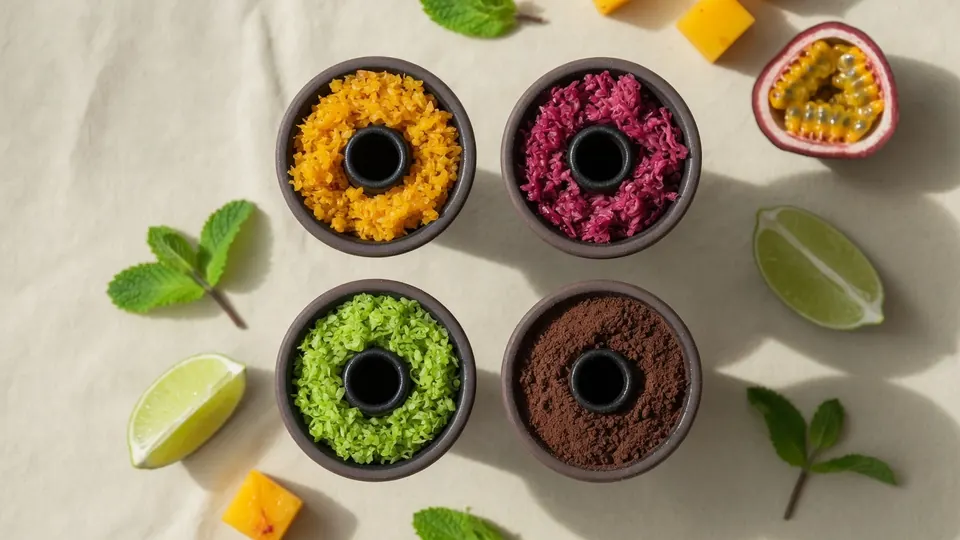
A profile is not a brand or a single flavor
A flavor profile is a group of similar sensations: sweetness, tartness, freshness, warmth, density. The same mango can differ across brands, but both still sit in the fruit profile.
Profiles help you choose a base, filter the Mixly catalog, and understand why some pairings “just work” while others need exact shares. That is a higher level than a list of pairs — pairs are covered in flavor combinations.
A practical profile map
- Fruit — mango, peach, apple, melon, grape, tropicals;
- Berry — strawberry, raspberry, blueberry, currant;
- Citrus — lemon, lime, orange, grapefruit (often an accent);
- Fresh — mint, eucalyptus, ice, herbal cool;
- Dessert — vanilla, caramel, chocolate, pastry, cream;
- Drink / special — cola, tea, spice, nut (use sparingly).
Beginners only need the first five. Add specials once your base is stable.
How to use profiles in practice
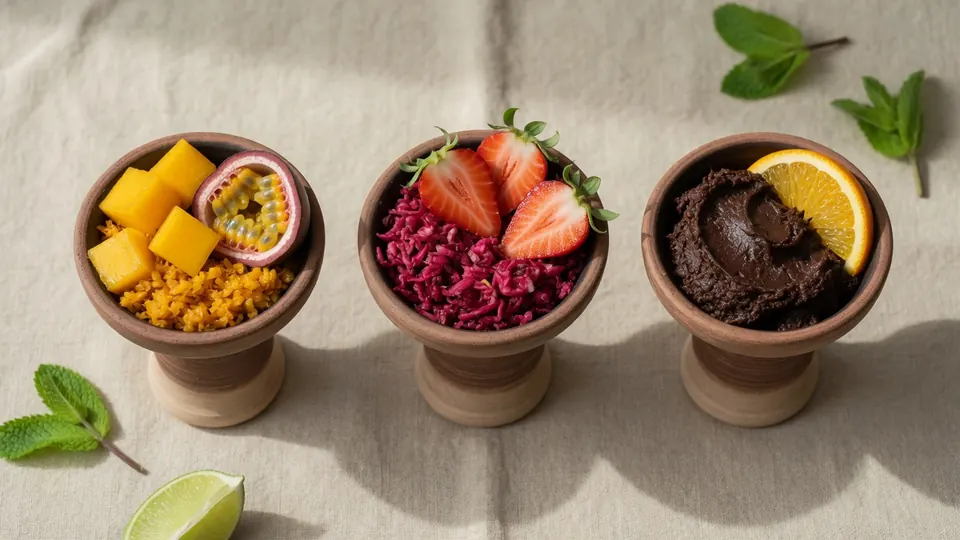
- Pick a mood profile — juicy, berry, fresh, or dessert.
- Take the base inside that profile — see how to choose a base.
- Look for support nearby — same or neighboring profile.
- Accent with measured contrast — citrus/mint on fruit, tartness on dessert.
- Check strength — profile does not replace body comfort; see tobacco strength.
Pairings inside a profile and across profiles
Inside a profile mixes are usually safer: mango + passion fruit, strawberry + raspberry, vanilla + caramel. Across profiles you get character: fruit + mint, berry + citrus, dessert + orange.
If you want a ready start without theory, open the 12 beginner recipes — shares are already set by mood.
How this connects to Mixly
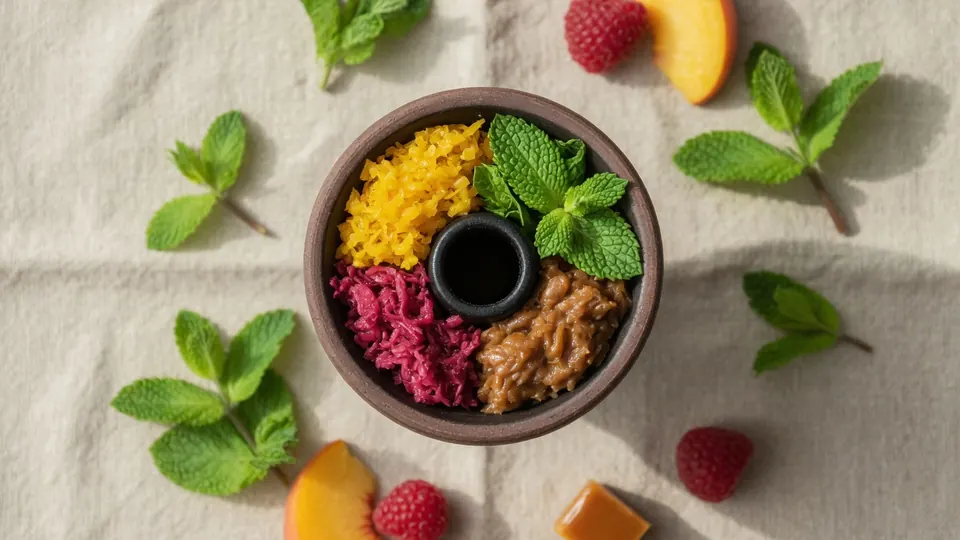
In the app, filters by flavor, brand, and strength work like the same map: you set profile and strength, and Discovery plus Lab help you avoid starting from zero each time. Save good mixes — your personal profile map grows faster than any article.
Examples: profile → mix direction
- Fruit: mango as base → lime or mint as accent;
- Berry: strawberry as base → mint or light citrus;
- Dessert: vanilla/chocolate → orange or berry for contrast;
- Fresh: almost always an accent, rarely a full-bowl solo base.
These are directions, not rigid recipes. For exact shares, use the beginner mix recipes.
Key takeaway
Think in profiles: flavor district first, then the specific tin, then the share. That makes base choice easier, keeps strength separate from “loudness”, and builds mixes worth repeating.
Frequently Asked Questions
How many profiles in one bowl?
Start with one leading profile and at most one contrasting accent. Three or more profiles at once often create noise.
Is citrus a base or an accent?
More often an accent or support. As a base, citrus can feel sharp and tiring unless softened by fruit or dessert.
How is a profile different from a combination?
A profile is a flavor class. A combination is a specific pair or trio inside those classes. Map first, pairs second.